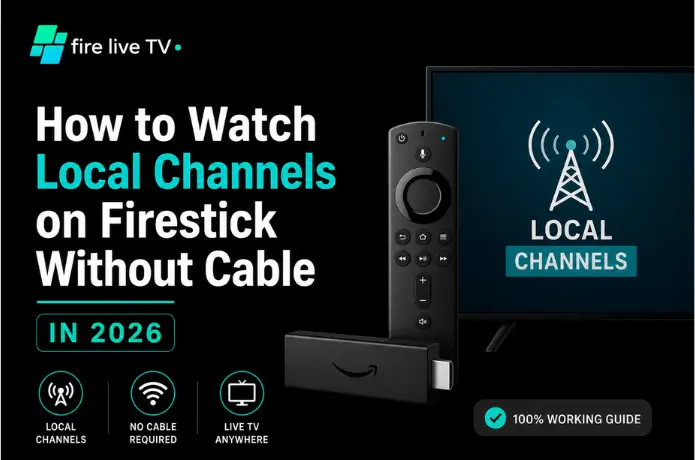

I cut the cord almost three years ago, and if I'm honest, the local channels were the last thing holding me back. Netflix and Prime Video are great for movie nights, but neither one is going to tell me a storm's rolling in tonight or who won the high school football game last Friday. That's local TV's job — and it turns out you don't need a cable box to get it.
If you've been searching for how to watch local channels on Firestick without cable, you've got more options than you'd think. Whether you want ABC, CBS, NBC, FOX, or your hometown news station, here's what actually works in 2026.
Local channels still pull their weight
It's easy to assume streaming has replaced everything cable used to offer, but local broadcasters still cover a lot of ground that Netflix never will:
- Breaking news when something actually happens nearby
- Weather warnings specific to your town, not just "the region"
- Traffic and road closures
- High school and local college sports
- Live network shows — award shows, sports, your local news at 6
Dropping cable doesn't mean losing this content. It just means getting it a different way.
Can a Firestick actually pull in local channels?
Short answer: yes. Longer answer: it depends a bit on where you live. Firestick itself doesn't have a built-in tuner or antenna, so it's really about which app or device you pair with it. Some routes are completely free; others run a monthly IPTV subscription. What's available also shifts depending on your city, since local broadcast deals and over-the-air signal strength aren't the same everywhere.
Your four main options
Option 1: A plain digital antenna
The cheapest way to get local channels, and picture quality is often better than streaming since it's uncompressed. Buy once, plug in, and pick up free over-the-air signals — ABC, CBS, NBC, FOX, PBS, the CW, and local independents.
Pros
- Zero monthly cost after purchase
- Genuine HD picture quality
- Live news and weather direct from source
Cons
- Rural areas get limited reception
- Placement matters — a few feet can change everything
- Runs separately from Firestick (TV input switch required)
Option 2 : Live TV streaming subscription
The most popular route because it feels the most like cable, minus the contract and box rental. These services stream live channels — including local ones in many markets — straight through an app on your Firestick, often with cloud DVR included.
Pros
- No contracts, cancel any time
- Installs in minutes on Firestick
- DVR included with most plans
- Works on phones, tablets, smart TVs
Cons
- Monthly fee required
- Not every local channel in every city
- Requires a solid internet connection
Option 3 : Your local station's own app
Many local news stations now have free apps in the Amazon Appstore. Search by your city or network affiliate. These aren't a full TV replacement, but for news, weather, and breaking coverage they do the job — for free.
Pros
- Completely free
- Quick setup, no payment info
- Localized coverage for your area
Cons
- Not a full channel lineup
- App availability varies by market
Option 4 : IPTV services
IPTV delivers TV over your internet connection. Depending on the provider, you can get local channels, national networks, sports, international channels, and on-demand content all in one app. FireLive TV is one well-regarded option with a large channel lineup, local channel support, and a free trial so you can test before committing.
Pros
- One app for live, sports, VOD
- Wide channel variety
- Often cheaper than cable bundles
Cons
- Quality varies by provider
- Research required before buying
- Local channel availability not universal
How to install any app on Firestick
The setup process is the same regardless of which app you choose:
- Turn on your best IPTV apps for Firestick and go to the home screen.
- Hit Search and type the name of the app you want.
- Select it from results and choose Download or Get.
- Wait for the installation to complete, then open the app.
- Sign in or create an account if prompted.
- Allow location access — many apps use this to surface local channels for your area.
- Navigate to the live TV section and start watching.
Most people are up and running in under five minutes.
What you'll pay for each option
| Method | Monthly Cost | What You Need |
|---|---|---|
| Digital Antenna | Free (after one-time purchase) | Antenna + TV with coax input |
| Local Station App | Usually free | Firestick |
| Live TV Streaming | Monthly subscription | Firestick + internet |
| IPTV | Depends on provider | Firestick + internet |
When things don't work right
Check your location settings are accurate, confirm the service covers your area, make sure the app is updated, and restart the Firestick if all else fails.
Almost always an internet issue. Restart your router, close background apps, and move your Firestick closer to the router if it's far away.
Reposition it near a window, then rescan for channels. If reception is still poor, you may need a stronger antenna depending on your distance from broadcast towers.
Quick questions
Can I really get local channels for free?
Do I need cable for any of this?
Which channels will I actually get?
Do I need the internet?
Is this the same everywhere?
Bottom line: Ditching cable doesn't mean losing your local channels — it just means picking a new way to get them. An antenna is the cheapest if you're near a city. A live TV service free trial feels closest to what you're used to. Local station apps cover the basics for free. And IPTV is worth a look if you want everything in one app — FireLive TV offers a free trial so you can test channel availability before paying anything.