
Let's be real — cable TV has been on life support for years now. You're paying more every single month, locked into a contract you didn't fully read, and somehow still can't find anything good to watch. It's frustrating. That's exactly why millions of people across the USA have already switched to IPTV, and if you're reading this, you're probably close to joining them.
The Amazon Fire TV Stick is where most people land when they start cutting the cord. It's cheap, it fits in your pocket, and getting it running takes maybe ten minutes. But here's the thing nobody tells you upfront — the IPTV app you install makes or breaks the whole experience. Pick the wrong one, and you'll be dealing with frozen screens, confusing menus, and buffering right when the game is at its most intense moment.
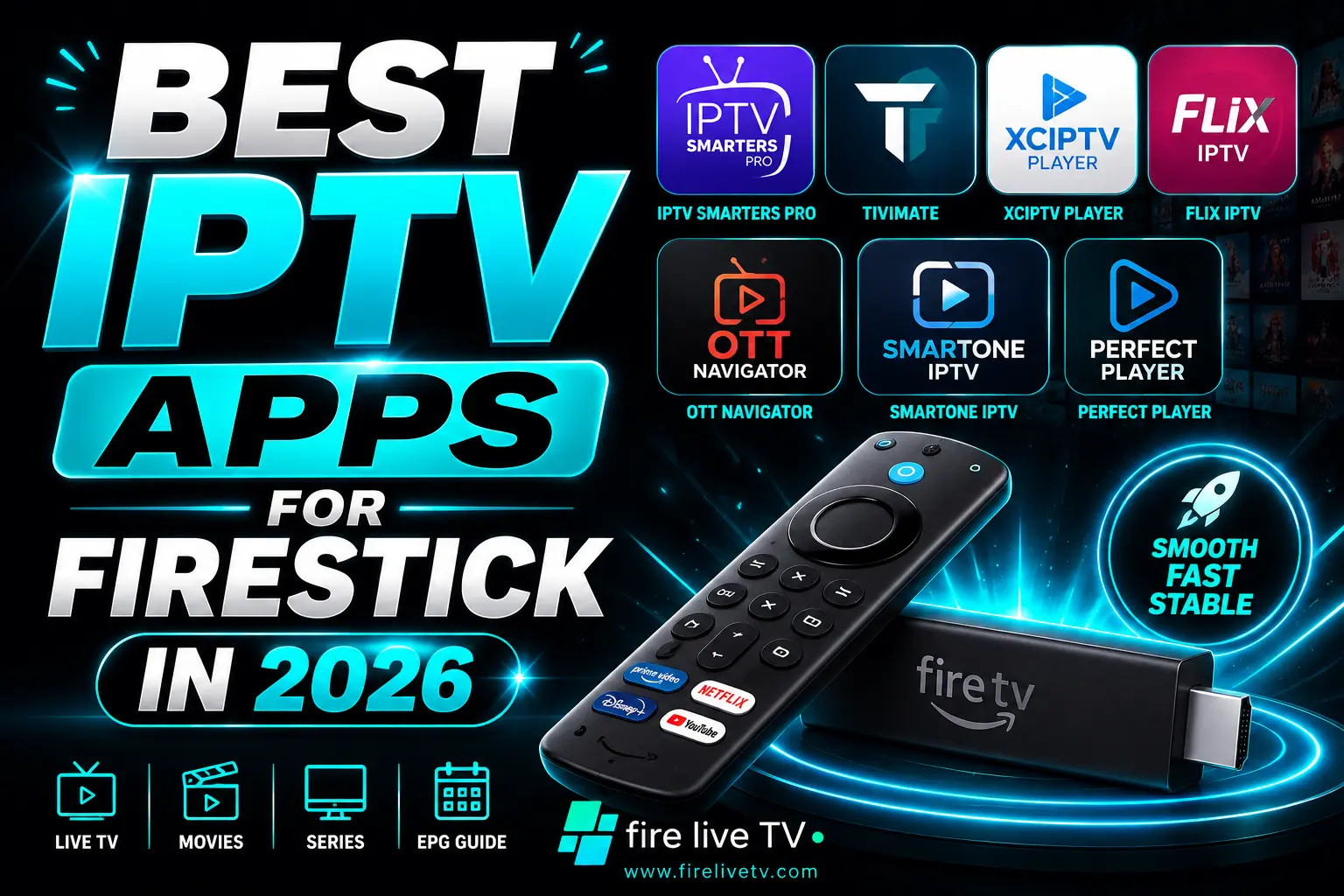
I've been through trial and error, so you don't have to. Here's an honest breakdown of the best IPTV apps for Firestick in 2026 — what actually works, what each one is best suited for, and which ones pair perfectly with a solid IPTV service like FireLiveTV.
1. TiviMate – The One Most People End Up Sticking With
If you ask any serious IPTV user which app they use, there's a good chance TiviMate comes up first. And honestly? The reputation is well earned.
What makes TiviMate different is that it was clearly built with TV screens in mind — not phones, not tablets. The layout breathes properly on a big display. Channels are organized, the program guide actually loads fast, and switching between streams doesn't feel like you're fighting the app to do what you want.
If you're a sports fan, the multi-screen feature alone is worth it. Watching two games at once while keeping an eye on scores? That's something cable never made easy.
Setup is painless, too. Connect your FireLiveTV M3U playlist or Xtream Codes login, and you're watching live TV within minutes.
Best for: Anyone who wants the most polished, TV-native experience on their Fire TV Stick.
2. IPTV Smarters Pro – Perfect If You're Just Getting Started
Not everyone wants to dig through settings on day one. If you're brand new to IPTV and just want something that works without a headache, IPTV Smarters Pro is genuinely the friendliest place to start.
The login screen is clean. The menus make sense. Live channels, movies, series, and catch-up content are all sorted logically so you can find what you want without having to figure anything out first.
One thing worth mentioning — it runs well on older Fire TV Stick models too. If you're using a 2nd or 3rd generation stick that isn't the newest hardware, this app won't choke on it.
It doesn't have every advanced feature TiviMate offers, but for relaxed, casual streaming? It's more than enough.
Best for: New users and anyone who wants simple, reliable streaming without the complexity.
3. Kodi – The One for People Who Like to Tinker
Kodi isn't for everyone, and the app itself would be the first to admit that through its setup process. It takes time to configure, addons don't install themselves, and the learning curve is real.
But here's the flip side — once you've got Kodi set up the way you want it, it becomes something no other IPTV app can match. You can pull in live IPTV streams, your personal movie collection, on-demand content, music libraries, and all of it lives inside one app with a look you've completely customized.
Advanced users keep coming back to Kodi precisely because it hands them total control. There's a massive community behind it, which means if something breaks or you want to add a feature, someone has probably already written a guide for it.
Best for: Tech-savvy users who want a fully custom, all-in-one media hub.
4. OTT Navigator – The App That's Been Quietly Winning People Over
OTT Navigator doesn't get talked about as much as TiviMate, but it probably should. Over the past year, it's become a genuine favorite for users who want a modern interface without sacrificing functionality.
The channel search and filtering here is noticeably better than most other IPTV apps. Got a massive playlist with thousands of channels? You won't be scrolling endlessly trying to find what you need. The organization tools let you sort sports, entertainment, news, and kids' content into clean, separate sections without any hassle.
It also handles EPG data really well, so you can see what's playing and what's coming up without any guesswork.
Best for: Users with large channel lists who want smart filtering and a clean, modern layout.
5. Perfect Player – Lightweight, Fast, and No Drama
Sometimes the best tool is the simple one. Perfect Player isn't trying to be the most feature-rich IPTV app on the market, and that's actually what makes it great for a specific group of users.
It's fast. It's stable. It loads up quickly, plays streams without fuss, and doesn't run into the slowdowns that heavier apps sometimes cause on older Fire TV Stick hardware. If your streaming stick is a few years old and you want something that won't bog it down, Perfect Player is a smart pick.
It handles M3U playlists, EPG data, and all the core IPTV functions — just without the extra layers that you may never use anyway.
Best for: Older Fire TV devices and users who prefer speed and reliability over flashy features.
6. GSE Smart IPTV – The Go-To for International Content
If a big part of why you're using IPTV is to watch content from back home — whether that's South Asia, the Middle East, Europe, Latin America, or elsewhere — GSE Smart IPTV handles those larger, more diverse channel packages better than most apps out there.
It supports multiple playlist formats, manages big channel collections without getting sluggish, and works well with external players if you need specific codec support for certain streams. The interface isn't the prettiest thing you'll ever use, but it gets the job done reliably.
Pair it with FireLiveTV's international channel packages, and you've got a seriously powerful setup for global content.
Best for: Viewers who prioritize international channels and regional content from around the world.
7. Televizo – The Fastest Growing App of 2026
Televizo has had a quietly big year. A lot of users who tried it on a whim ended up switching to it full-time, which says something.
The app feels genuinely light and responsive. Channels load fast, the layout is modern without being overdone, and browsing through large playlists doesn't feel like a chore. It's the kind of app that just stays out of your way and lets you watch TV — which is exactly what you want from an IPTV player.
If you haven't given Televizo a shot yet, it's absolutely worth testing alongside whichever app you're already using.
Best for: Users who want fast, no-fuss streaming with a clean and modern look.
Why the IPTV App Is Only Half the Story
Here's something important that often gets skipped over: even the best IPTV app in the world can't fix a bad IPTV provider. Buffering, dropped streams, and poor picture quality almost always come from the server side — not the app itself.
That's where FireLiveTV comes in. As one of the most reliable IPTV services in the USA, we give you:
- 6,000+ live TV channels including USA, UK, sports, news, entertainment, kids, and international content
- HD and 4K streaming quality for a clearer viewing experience
- Stable servers designed to reduce buffering and stream interruptions
- 60,000+ movies and TV shows available on demand
- Multi-device support so you can stream on multiple screens
- 24/7 customer support whenever you need assistance
- Fast activation with easy setup on Firestick and IPTV apps
- Free 24-hour IPTV trial to test the service before subscribing
FireLiveTV works perfectly with every app on this list. Whatever player feels right for your setup, we've got you covered on the content side.
A Few Small Tweaks That Make a Big Difference
Before you blame the app or the service, run through these basics first:
- Check your internet speed — 25 Mbps minimum for HD; go 50 Mbps or higher for 4K.
- Try Ethernet over Wi-Fi — A wired connection via a Fire TV Ethernet adapter is always more stable.
- Restart your Fire TV Stick weekly — It clears memory buildup and keeps performance consistent.
- Clear your app cache — Go to Settings > Applications > Manage Installed Apps, select your IPTV app, and hit Clear Cache.
- Keep everything updated — Developers push out performance fixes regularly, so staying current matters.
Small things on paper, but they genuinely add up to a noticeably smoother experience.
The Bottom Line
In 2026, the way people watch TV has permanently shifted. Streaming is the standard now — not the alternative. For Fire TV Stick users, IPTV delivers more channels, better value, and none of the cable contract aggravation.
TiviMate is the top overall pick for most people. IPTV Smarters Pro wins for beginners. Kodi rewards users who enjoy building their setup exactly how they want it. OTT Navigator, Televizo, Perfect Player, and GSE each shine in their own lane depending on what you need.
But here's the truth: all of these apps are only as good as the IPTV service running behind them. If you want streams that actually work the way they're supposed to — consistent quality, real channels, zero constant buffering — FireLiveTV is where to start.