
Most "how to save money on streaming" advice tells you to pick a smaller channel package and call it a day. That's part of it, but it's not where the real money leaks out. The bigger issue is usually the pile of overlapping subscriptions people don't realize they're still paying for, plus a couple of pricing traps that look like savings but aren't.
This isn't a guide to picking channels. It's a five-minute audit you can run on your own spending today, plus the two mistakes that quietly cancel out any savings people think they're getting.
Step 1: Run the Two-Minute Statement Audit
Open your bank or card statement and scroll through the last two months. Highlight every entertainment charge you find — cable, streaming apps, IPTV, anything recurring. Most people can name two or three services off the top of their head. The audit usually turns up five or six.
For each one, ask a single question: did I actually open this in the last 30 days? Not "might I want it later," not "I paid for the year already." Just — did you use it.
Step 2: Do the Actual Math
Here's a rough example of what the audit usually turns up for someone juggling cable plus a few extras:
| Service | Monthly Cost | Actually Used? |
|---|---|---|
| Cable package | $85 | Rarely |
| Sports add-on | $20 | Seasonally |
| Streaming app #1 | $16 | Yes |
| Streaming app #2 | $12 | Forgot it existed |
| Total before audit | $133/mo | — |
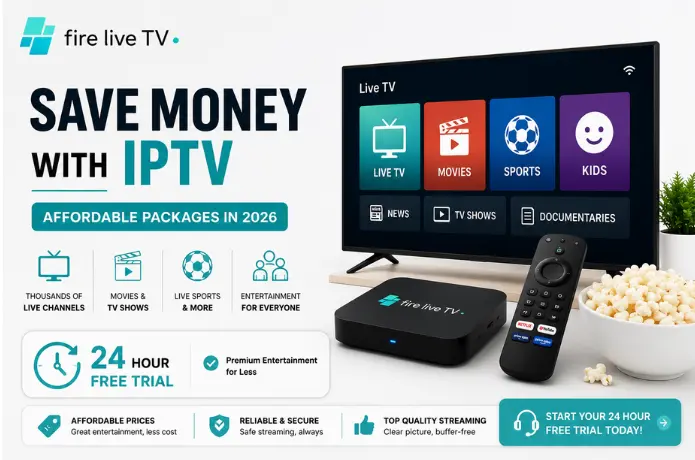
Swap the cable package and the two half-used streaming apps for a single IPTV subscription that covers the same live channels, on-demand library, and sports coverage, and the same household often lands closer to $25–$40 a month — not because the content changed, but because the duplicate payments disappeared.
The numbers above are illustrative, not a quote — your own audit is the only version that matters. But the pattern holds in most households: the saving comes from cutting overlap, not from finding the cheapest possible package.
Mistake #1: Chasing the Lowest Price on the Page
Once people start comparing IPTV providers, it's tempting to sort by price and pick whatever's cheapest. That's usually where the savings evaporate. Legitimate IPTV services cost real money to run — servers, licensing, support staff. When a price sits noticeably below everything else on the market, that gap has to come from somewhere.
Mistake #2: Committing Before You Test It
The second way people lose money is paying for a full month (or a full year, if they got talked into a "discount") before finding out whether the service actually works with their setup. A free trial exists specifically to prevent this. Use it properly: test on the actual device you'll watch on, at the time of day you normally watch, and check the specific channels you care about — not just the homepage.
Quick Audit Checklist
Once you've cut the dead weight and tested a replacement, a few smaller checks round out the savings:
- Confirm it works on the devices you already own, so you're not buying new hardware. See our Fire Stick and Smart TV guides for specifics.
- Check how many people in the household need to stream at once, so you're not underpaying now and upgrading later. Our guide on multi-device subscriptions covers this.
- Match the channel lineup to what you actually watch, not the total count advertised — our guide to customizing your IPTV package walks through this in detail.
- Re-run this same audit every few months. Viewing habits shift more than people expect.
Bottom Line
The fastest way to save on entertainment isn't finding the single cheapest IPTV listing online — it's cancelling what you've stopped using, avoiding the too-good-to-be-true offers that fold in a few months, and testing before you commit. Do those three things and the "affordable package" part mostly takes care of itself.
If you're weighing IPTV against your current setup, our IPTV vs Netflix vs YouTube TV comparison and 25 IPTV tips for beginners are good next reads. And if you're considering FireLive TV, the free 24-hour trial — no credit card required — is the easiest way to run your own numbers before deciding.
Still Have Questions? Chat With Us Now
Not sure what your current spend looks like or whether switching actually saves you money? Our team is online right now to walk through it with you.
👉 Start Live Chat — Get a Free Trial
You'll also find more Fire Stick tutorials, IPTV guides, and streaming tips over at FireLiveTV.com.